
Smoother, Faster Live Flight View
Enhance real-time drone monitoring with smoother, faster live flight views.
The Problem
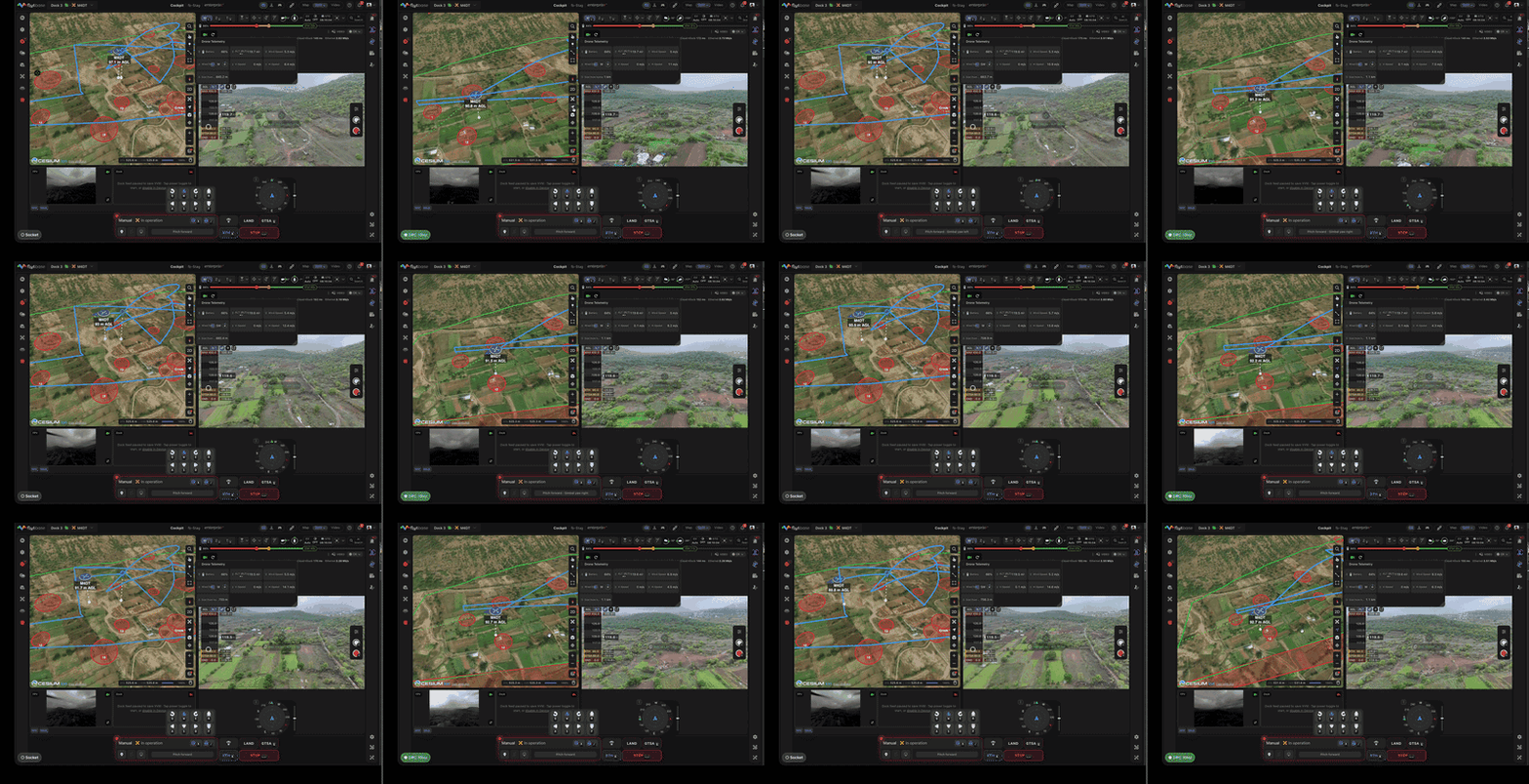
The cockpit display on FlytBase had a noticeable lag between the drone's actual position and what appeared on screen. When the drone turned or changed altitude, the display took time to catch up. This delay reduced situational awareness and made real-time decision-making harder, especially during inspections or time-sensitive operations.
Feature Introduction
This update increases the refresh rate for the drone's position, speed, altitude, and camera view on the cockpit display. The display now tracks the drone's movements more closely, reducing the gap between actual and displayed state.
- Real-Time Mapping: The drone icon on the map moves smoothly, reflecting real-time position changes.
- Live Data Updates: Speed, altitude, and heading update in near real-time.
- Reduced Latency: The display feels more responsive, closer to watching the drone directly.
Why This Matters
Reduced display latency improves all real-time monitoring tasks: single-drone inspections, fleet-wide surveillance, and emergency response. Faster position updates let operators react sooner to course deviations, obstacle proximity, or mission anomalies.
Step-by-Step Walkthrough
Step 1: Contact FlytBase
Contact your FlytBase representative or support team to enable the feature for your account.
Step 2: Experience Real-Time Updates
Once activated, open the cockpit display. The drone's position, speed, altitude, and camera view update at a higher refresh rate.
Step 3: Monitor Drone Operations
Use the improved real-time data for operational monitoring. The reduced lag is most noticeable during active flight maneuvers and turns.
Constraints & Requirements
| Component | Details |
|---|---|
| Map Display | Real-time position updates for smoother tracking |
| Data Refresh Rate | Increased frequency for speed, altitude, and heading updates |
| User Action | Activation required through FlytBase contact; no additional setup needed |
Access
Contact your FlytBase representative or support team to enable the feature. Once activated, no additional setup is required. The improved refresh rate applies automatically to the cockpit display.
Was this helpful?