
AI-R: Model Switching & Confidence Control
October 2025
AI-R now gives you greater control over your detection models enabling operators to configure detection accuracy and performance to their environment in real time.
This release introduces two powerful new controls:
- Model Selection: Switch between Larger Object Detection and Smaller Object Detection
- Confidence Threshold Adjustment: Fine-tune your detection sensitivity directly from the dashboard letting you decide if AI-R prioritizes catching every possible detection or filtering for only high-confidence results.
Configuring Detection Behaviour
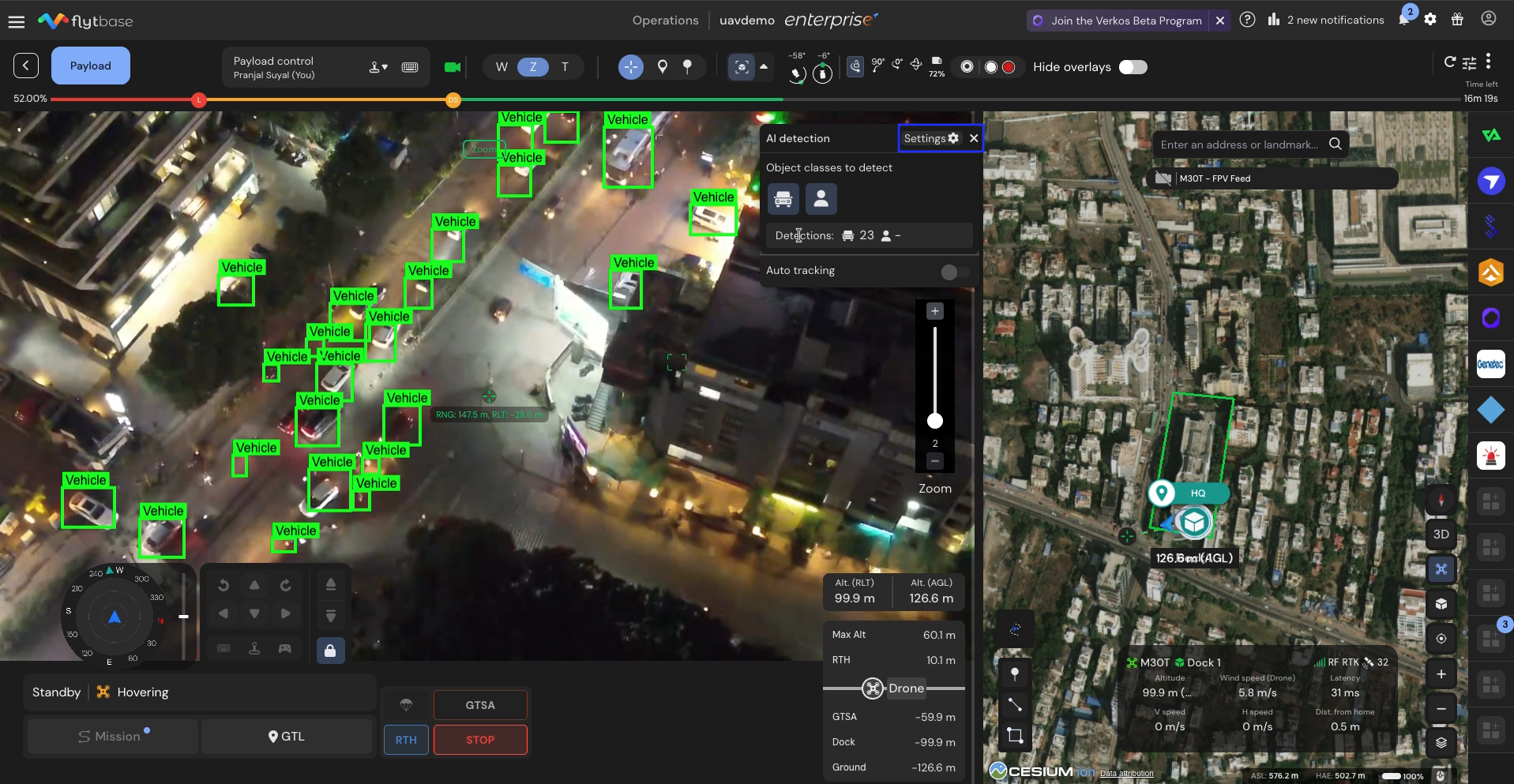
In the AI-R Settings panel inside the Cockpit View, you’ll now find:
Model Type Dropdown
- Large Object Detection Model – optimized for close-range, high-confidence detection of people and vehicles.
- Small Object Detection Model – optimized for identifying people and vehicles at longer ranges or when targets appear smaller in wide-area surveillance missions.
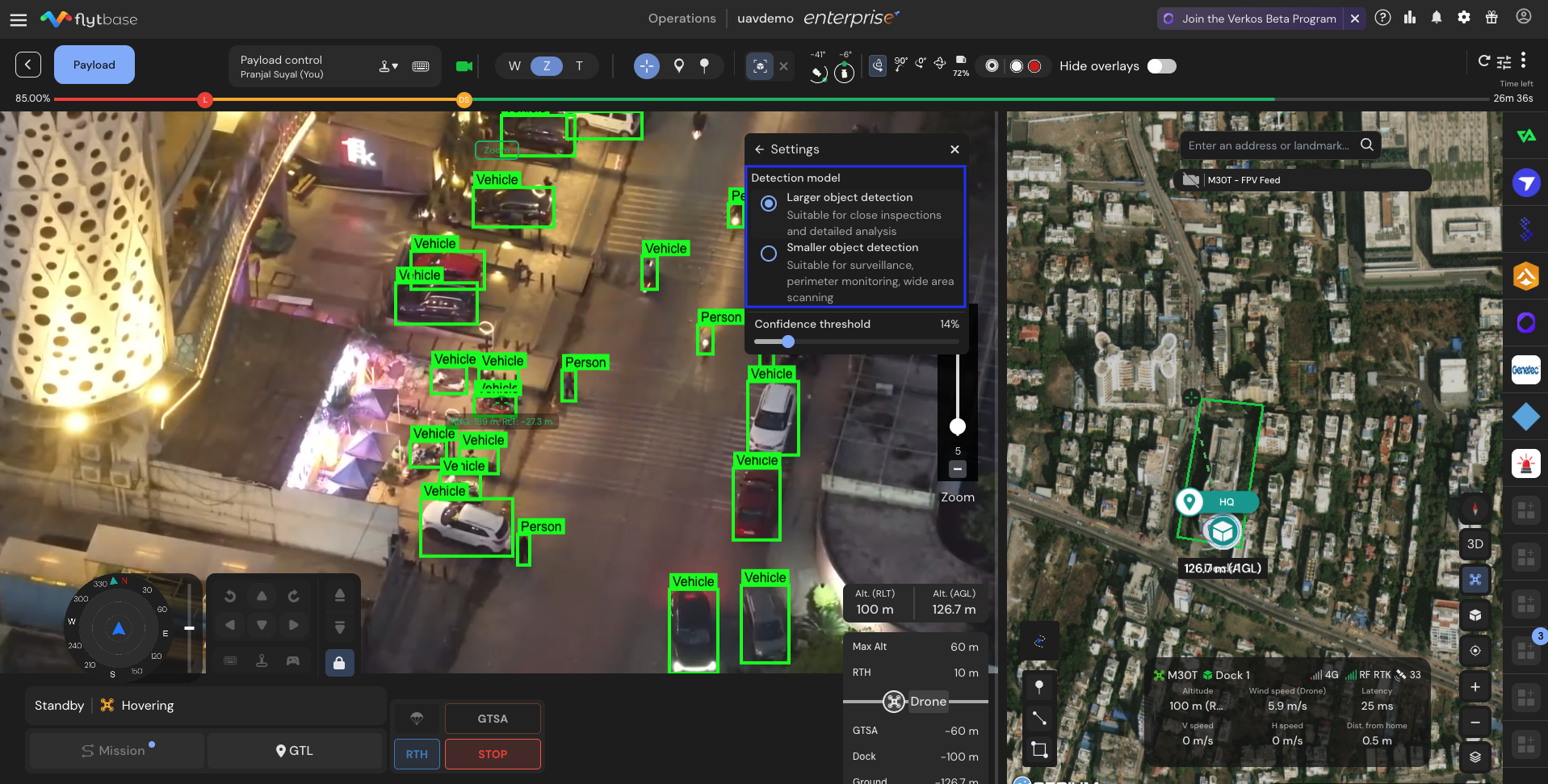
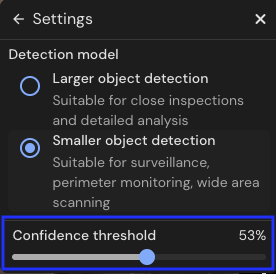
Confidence Threshold Slider
The Confidence Threshold slider lets you choose a value between 0% and 100%, determining how confident the AI must be before labeling an object as detected.
- Lower values = more detections (less strict).
- Useful when you don’t want to miss anything Eg, detecting small or far-away objects.
- Higher values = fewer detections (higher precision).
- Useful for precision-critical environments. Eg, perimeter security or automated alert
Please feel free to reach out to support@flytbase.com for more information on FlytBase AI-R.
Was this helpful?