
Flex Factory: Streamlining Your Drone Operations
Discover how Flex Factory streamlines drone operations by integrating AI, automation, and analytics.
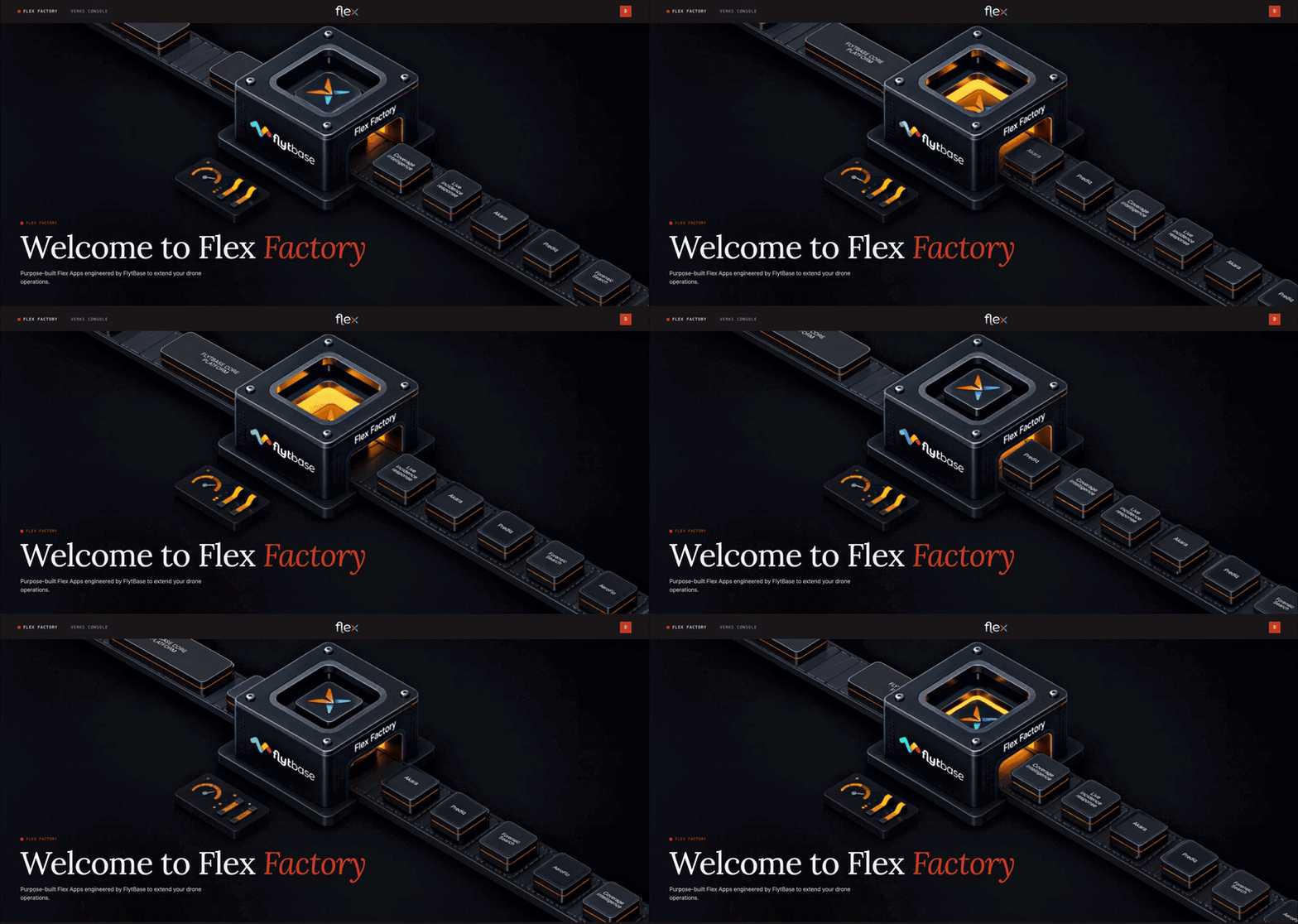
Imagine you're managing a fleet of drones for inspecting thermal wells, maintaining remote infrastructure, or surveying vast agricultural fields. Traditionally, you've had to juggle multiple tools and platforms to gather data, analyze it, and then act on the insights. This disjointed approach can lead to inefficiencies, errors, and a lot of wasted time. Wouldn't it be great if you could manage everything from a single platform?
Introducing Flex Factory
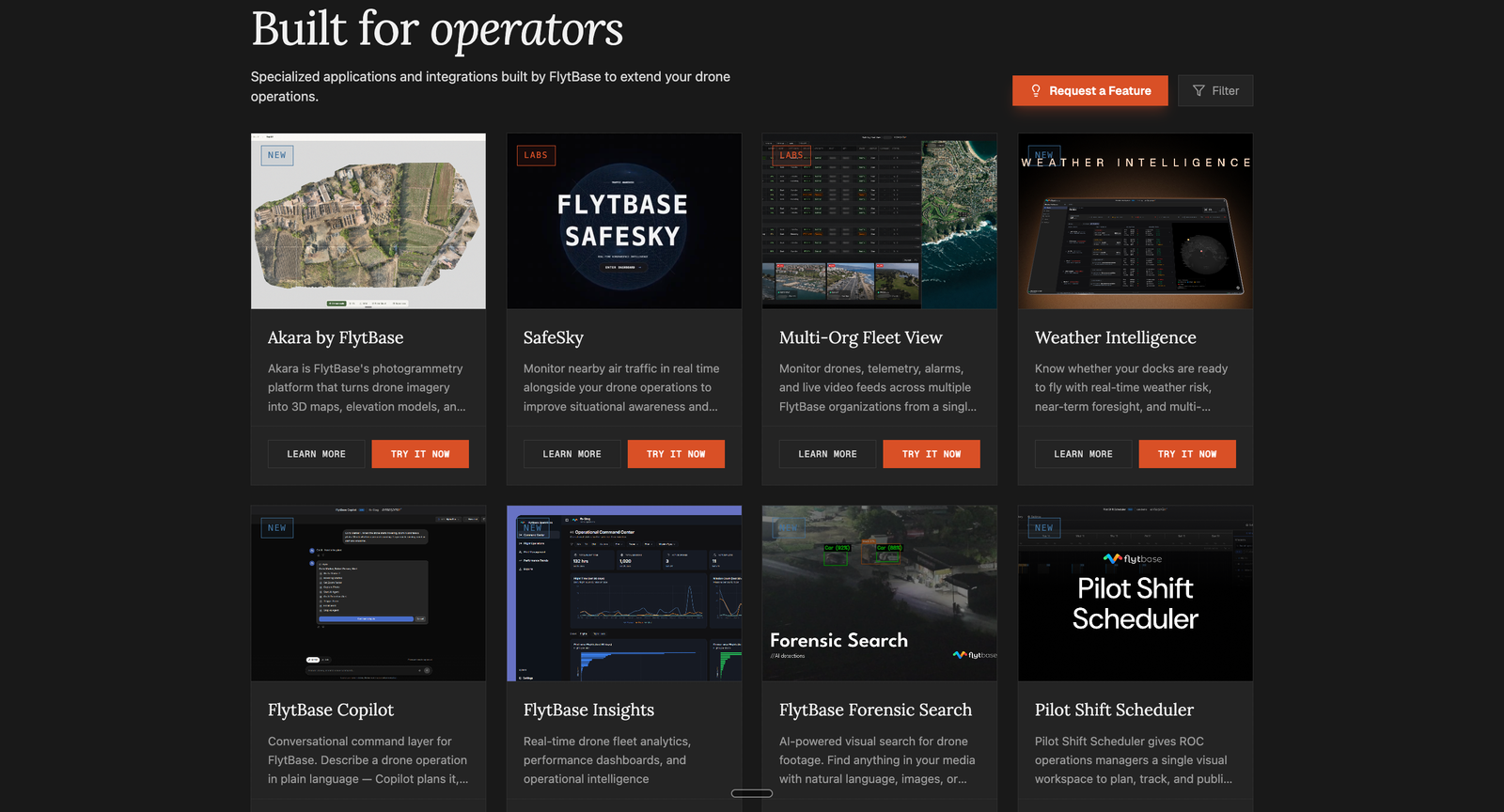
Flex Factory is here to solve that exact problem. It's a suite of optional applications and extensions seamlessly integrated into the FlytBase platform. With Flex Factory, you can enhance your drone operations by incorporating operational data, automation, artificial intelligence, mapping, and analytics into your workflows. This unified approach streamlines processes, improves operational efficiency, and lets you focus on what matters most-getting the job done.
Why Flex Factory Matters
Flex Factory isn't just another tool-it's a foundational shift in how you manage drone operations. By centralizing capabilities like AI-assisted analysis, automated workflows, mapping, and operational analytics, you eliminate the inefficiencies of using disparate tools. This means less time spent switching between platforms and more time acting on insights. Plus, with extensions for specialized use cases, you can tailor the platform to fit your exact needs without altering the core FlytBase deployment.
Step-by-Step Walkthrough
Step 1: Access Flex Factory
To get started, navigate to the FlytBase platform and locate the Flex Factory section. Here, you'll find a range of applications and extensions ready to enhance your operations.
Step 2: Explore Applications
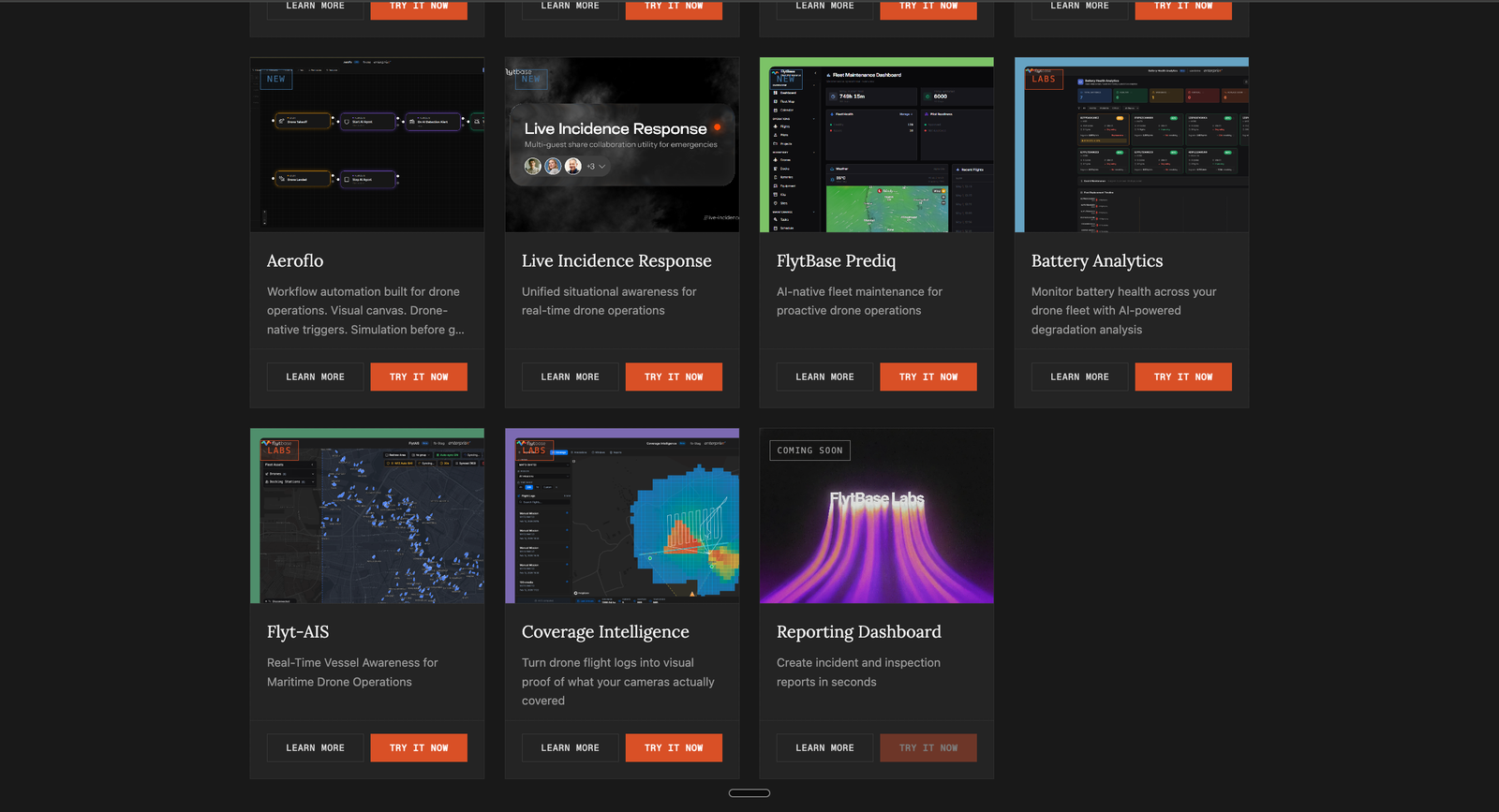
Browse through the available applications like 'Akara', 'SafeSky', and 'Weather Intelligence'. Each application card provides options to 'Learn More' or 'Try It Now', allowing you to dive deeper into the capabilities that interest you.
Step 3: Customize Your Workflow
Select the applications that best fit your operational needs and integrate them into your existing workflows. Whether it's AI-assisted analysis or automated workflows, Flex Factory provides the tools to optimize your drone operations.
Step 4: Monitor and Analyze
Utilize the operational analytics tools to derive insights from your data. These insights support decision-making processes, helping you to act swiftly and effectively.
Constraints & Requirements
| Component | Details |
|---|---|
| AI-Assisted Analysis | Analyzes live/recorded data, facilitates data search and analysis |
| Automated Workflows | Triggers structured workflows, automates actions |
| Mapping and Geospatial Outputs | Generates mapping outputs, integrates geospatial data |
| Operational Analytics | Provides analytics tools for operational insights |
| Extensions | Customizable based on organization, subscription, and access |
Access
Flex Factory apps are optional add-ons to the FlytBase platform. Access and usage are managed separately from the base FlytBase subscription and may require FlytBase credits. For more information on available apps and capabilities for your organization, contact your FlytBase representative.
For detailed guidance on integrating Flex Factory into your operations, reach out to your FlytBase representative.
Was this helpful?